
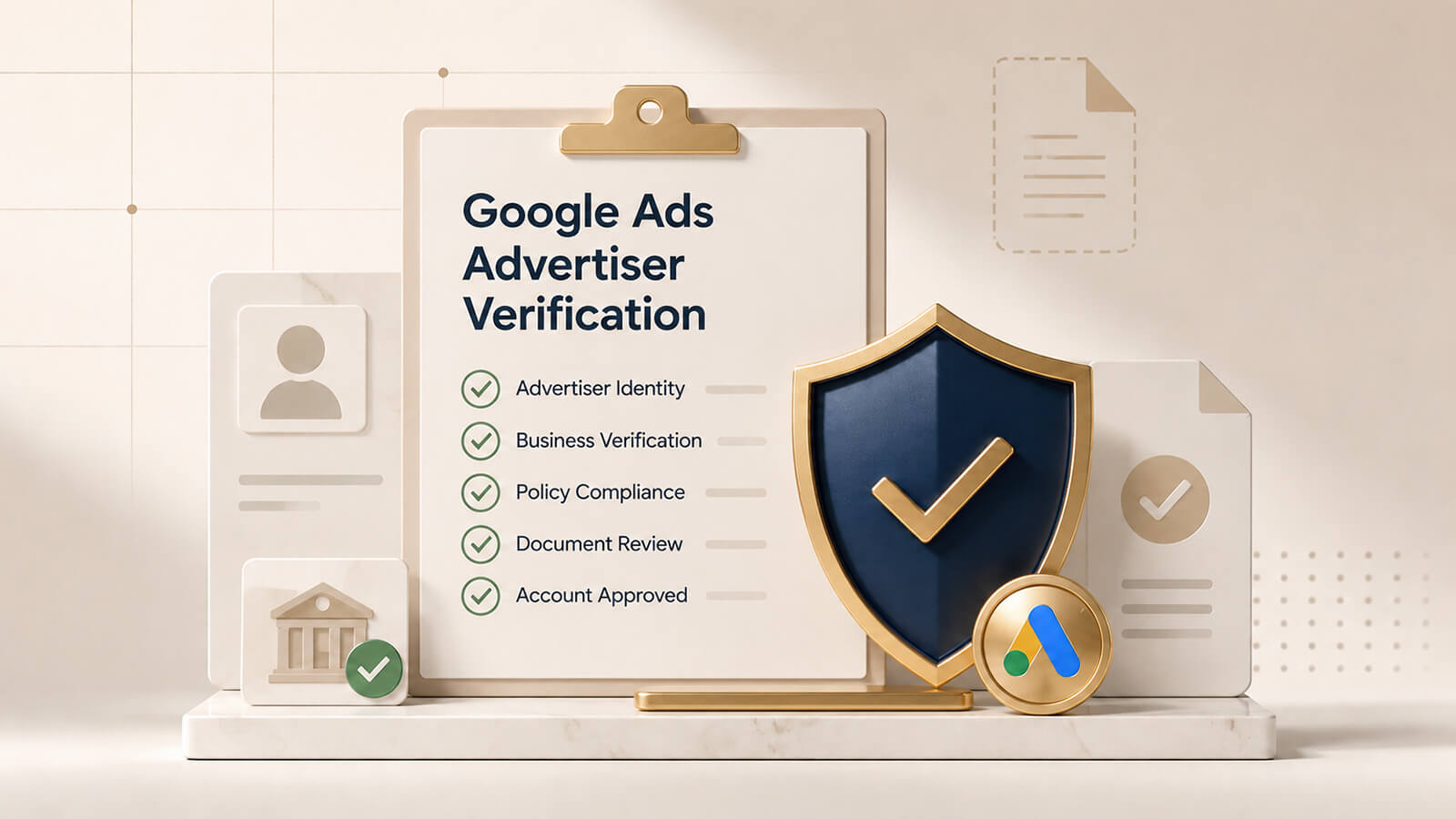
If you run ads on Google, there’s a good chance you’ll eventually get a message asking for Google Ads Verification. It’s Google’s way of making sure the people and businesses spending money on the platform are real. Finish it on time, and your account stays healthy, your campaigns keep running, and you avoid the headache of sudden restrictions. Knowing how the process actually works saves a lot of stress later.
Why Google Ads Verification Is Important
Google Ads Verification exists because the platform wants fewer scams and more transparency. They’re checking that advertisers are who they say they are — so users see fewer misleading ads and the whole system stays cleaner.
Depending on your situation, they might ask for a personal ID, company registration papers, or proof that your business is legally operating. Some people only need identity verification. Others (especially in regulated niches) get asked for business verification or extra industry checks.
Ignore the request and your campaigns can get paused or the whole account suspended. So it’s worth treating the deadline seriously.
Who Needs Advertiser Verification?
Pretty much anyone can get the request — brand-new accounts, long-running businesses, agencies, freelancers. Companies in finance, healthcare, legal services or other sensitive categories tend to face stricter reviews, but even ordinary businesses get pulled into the process.
Documents You May Need
Having everything ready makes life much easier. Google commonly asks for:
- Government-issued ID
- Business registration certificate
- Tax registration documents
- Proof of business address
- A working website that clearly shows your contact details
The details on these documents must match what’s in your Google Ads account exactly. Even small differences in the company name, address or legal entity can slow everything down.
How to Complete Google Ads Verification Successfully
When the information is accurate, the process is usually straightforward.
Review Google’s Request Carefully. Open the notification inside your Google Ads account and read every line before you start uploading. Different accounts get different requirements, so don’t assume you know what they want.
Upload High-Quality Documents. Send clear, full-color scans or sharp photos. Blurry files, cropped edges or expired documents are the fastest way to get delayed or rejected.
Keep Your Business Information Consistent. Your website should show the same company name, address, email and phone number as your Google Ads account. A proper contact page, privacy policy and clear description of what you do all help prove you’re legitimate.
Common Verification Problems
Most delays come from simple, avoidable mistakes.
Incorrect Information. Abbreviations, unofficial trading names or old addresses create problems. Always use your exact legal business details.
Missing Website Information. A site with no contact details, no legal pages or vague service descriptions often fails Google’s checks.
Slow Response Time. If Google asks for more documents, reply quickly. Waiting too long can stretch the review and temporarily limit your advertising.
Best Practices for Faster Approval
Preparation and accuracy matter most.
Check Every Detail Before Submission. Look over every uploaded file and every field in your account one more time. Fix typos and mismatches before you hit send.
Keep Documents Updated. Use current, valid ID and registration papers. Expired documents are one of the top reasons applications get rejected.
Monitor Your Google Ads Account. After you submit, keep an eye on the account. If they ask for anything extra, respond as soon as you can so the process doesn’t drag on.
Final Thoughts
Google Ads Verification is simply part of running ads the right way. Accurate information, valid documents and a clean, consistent website give you the best shot at quick approval. Handle the request promptly, follow the requirements carefully, and you’ll keep your campaigns active while building more trust with both Google and your customers.
SEO Keywords: Google Ads Verification, Google Ads advertiser verification, advertiser identity verification, business verification, Google Ads account verification, verify Google Ads account, verification process.